Translate text fields automatically
By clicking on the button for machine translation, Aeneis automatically enters the machine translation for all model languages.
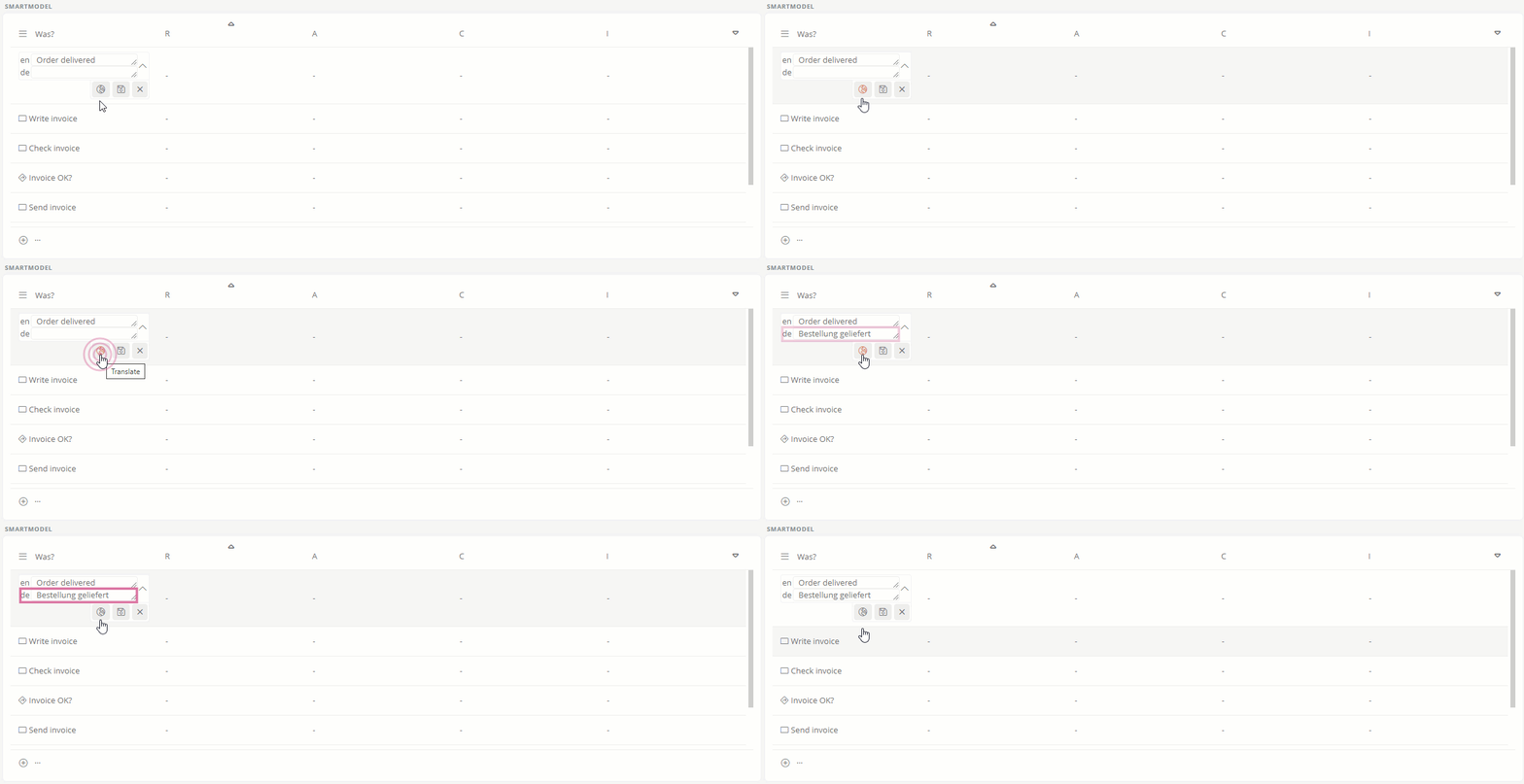
Hinweis: If there is no text in the default language, Aeneis selects the first model language for which a text is stored as the source language for automatic translation.
Overwrite translations automatically
If the content of an attribute is already maintained in several languages, you can automatically overwrite the existing translations using the DeepL translation function.
Tipp: Overwrite existing translations to ensure that they are up-to-date and consistent with the default language.
Instructions:
-
Click on next to the attribute

-
Confirm in the Overwrite translations? by clicking Yes:
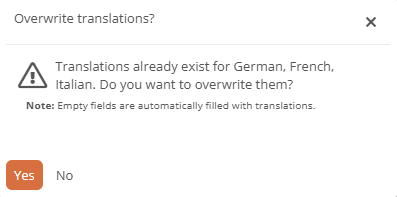
Hinweis: If you click on No, only languages in which there is no translation yet will be filled.
Result:
Existing translations have been updated and empty fields have been filled with translations.
 Related Topics