Delete index
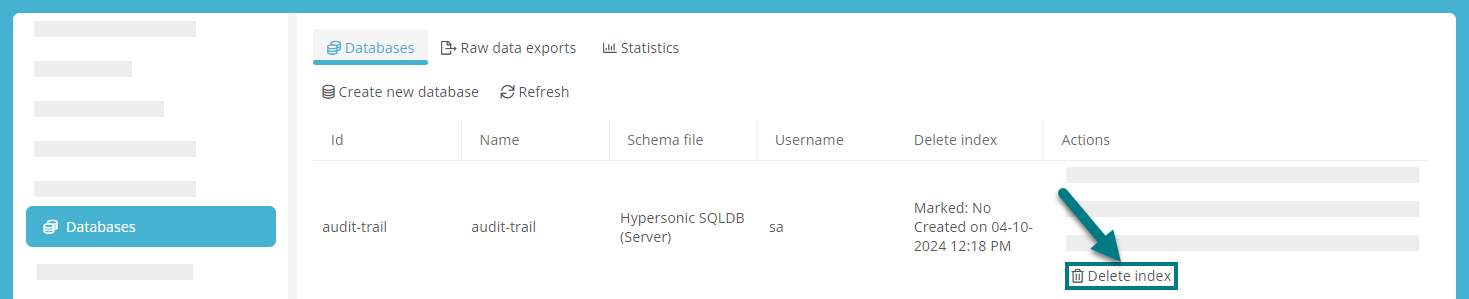
You can delete the index folder of the database in the ServerAdministration under Databases. To do this, click on Delete index in the database actions.
Tipp: If the search in Aeneis no longer works reliably, you can try to improve the search results again by deleting the search index.
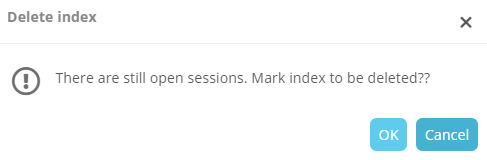
If no sessions are open, the index is deleted immediately. If there are still open sessions and you confirm with OK in the subsequent dialog, the index deletion is marked. In this case, the index folder is only deleted when there are no more open sessions.
In the Delete index column, you can see when the index folder was created and whether it has been marked for deletion: