Translation management
In Aeneis, you can automatically translate model content via the translation provider DeepL. The WebModeller gives you the option to translate entire object structures within your model overview in a single operation.
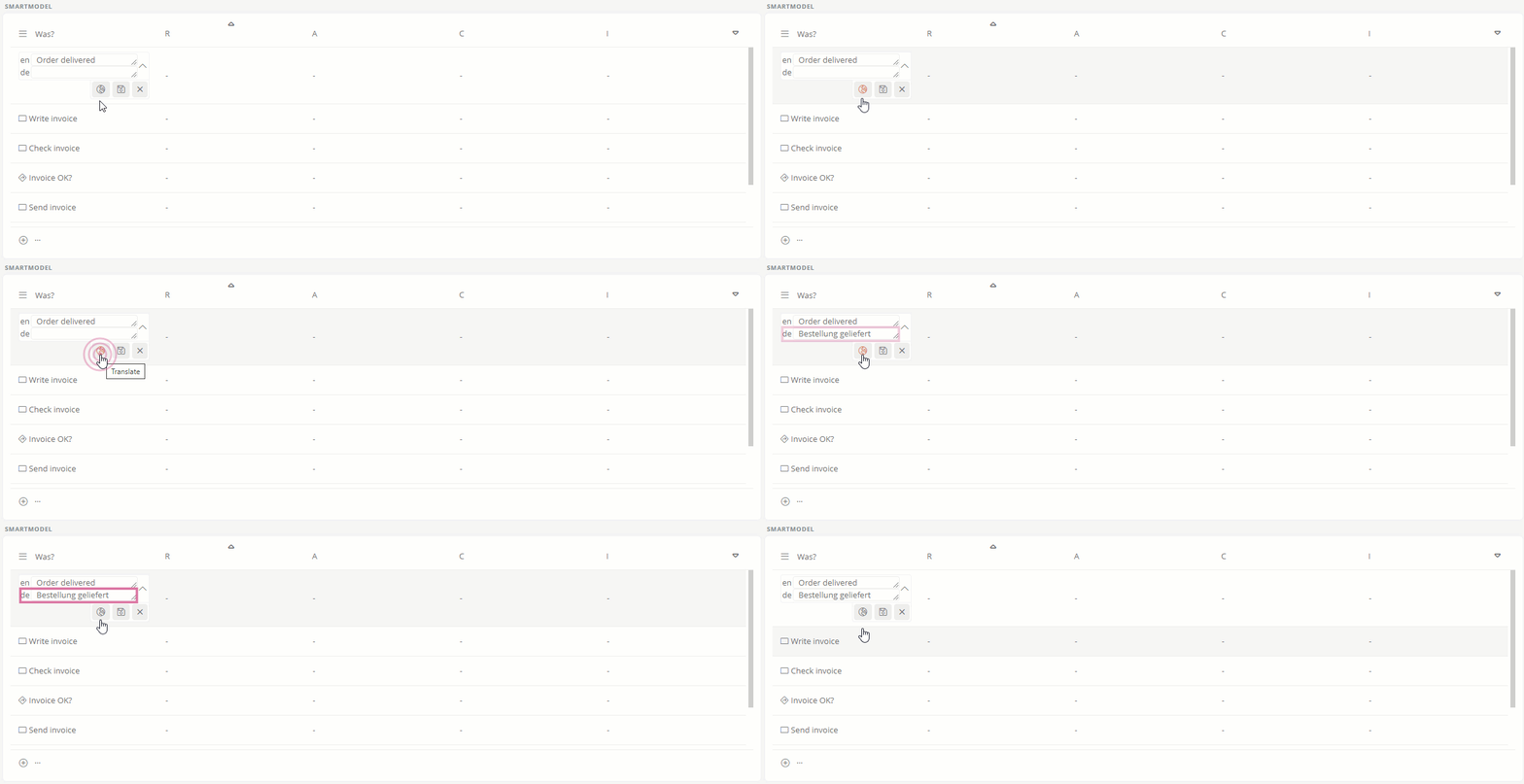
Hinweis: Please note that automatic translation only works for languages, language variants and language combinations that are supported by the translation provider DeepL. For more information, visit the DeepL Help Center.
Hinweis: If you use DeepL, the DeepL terms and conditions apply.
Translatable content
The following content can be translated automatically in Aeneis:
-
Single-line multilingual attributes
-
Multiline multilingual attributes
Hinweis: For multiline multilingual attributes, the machine translation feature is also available in the CK Editor.
-
Comments
Siehe auch: Translate comments
-
In the Portal, you can additionally have content translated using the SmartEdit function.
Siehe auch: SmartEdit
-
With the Premium license, you can also have a selected object translated along with all its primary child objects and diagrams in WebModeller.
Siehe auch: Translate object structures in the WebModeller